
ORBIT: One-tap space game for Android
AndroidIn closed testing
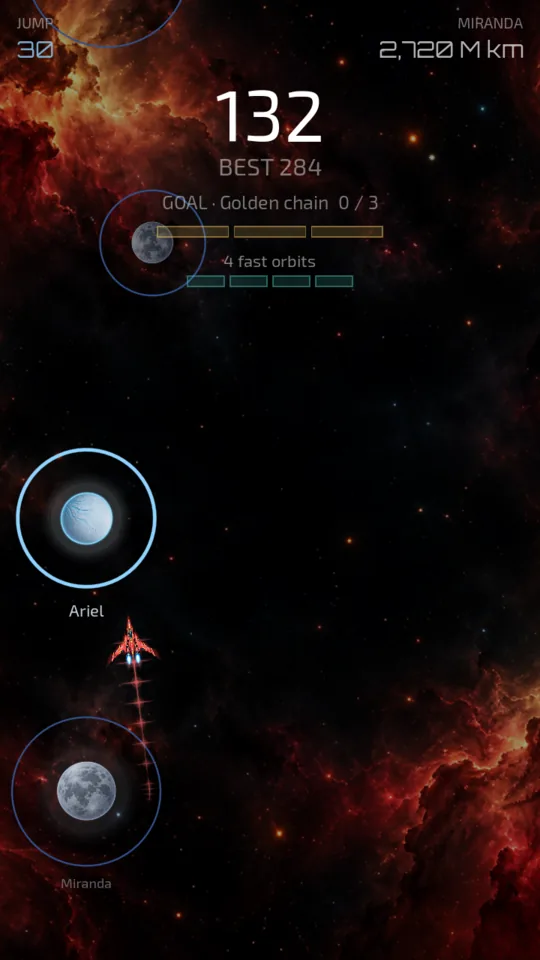
You orbit a planet. You tap. You fly off along the tangent and, if you hit the next planet’s ring, you stay in its orbit.
There’s nothing else to learn. But the orbit shrinks while you hesitate, so you can’t wait for the perfect moment: you have to decide.
Two steps with the Google account you use on Play: join the group, then download the test. Google Play can take a while, sometimes more than an hour, before it lets you download it; if you see “Item not found”, wait and try again.

From Earth to Sagittarius A*
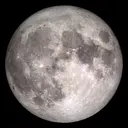
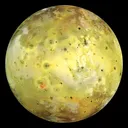
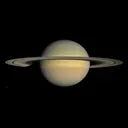
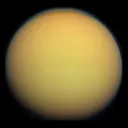
The route runs through 101 real places, in the order they come closest to Earth: the Moon, Venus, Mars, the moons of Jupiter and Saturn, Pluto, exoplanets such as TRAPPIST-1 e and, at jump 98, Gaia BH1, the nearest known black hole to Earth.
Every place you reach goes into the atlas. The ones you haven’t seen yet show as silhouettes, with how far away they are. Past jump 100 the known map runs out and you enter the Orbit galaxy: worlds you won’t find in any catalogue.
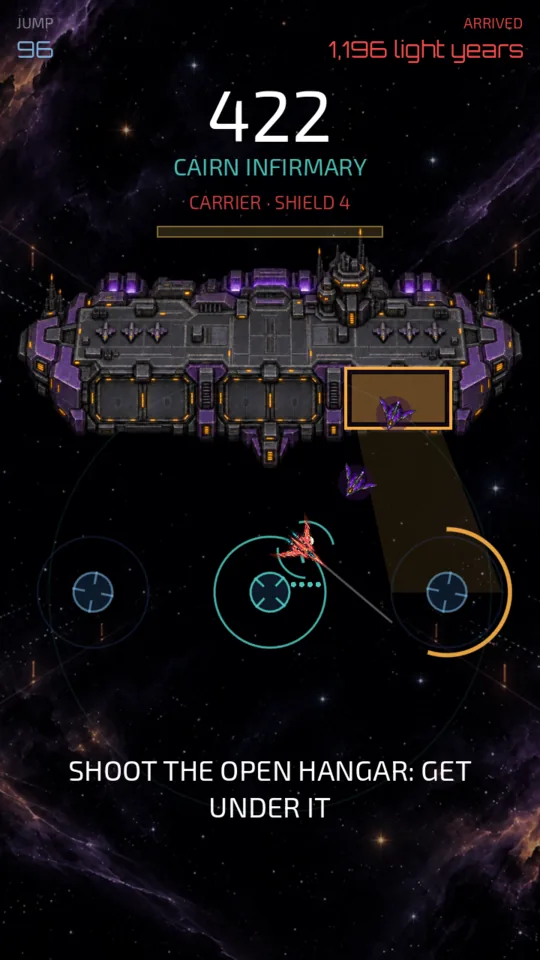
A stop every 12 jumps
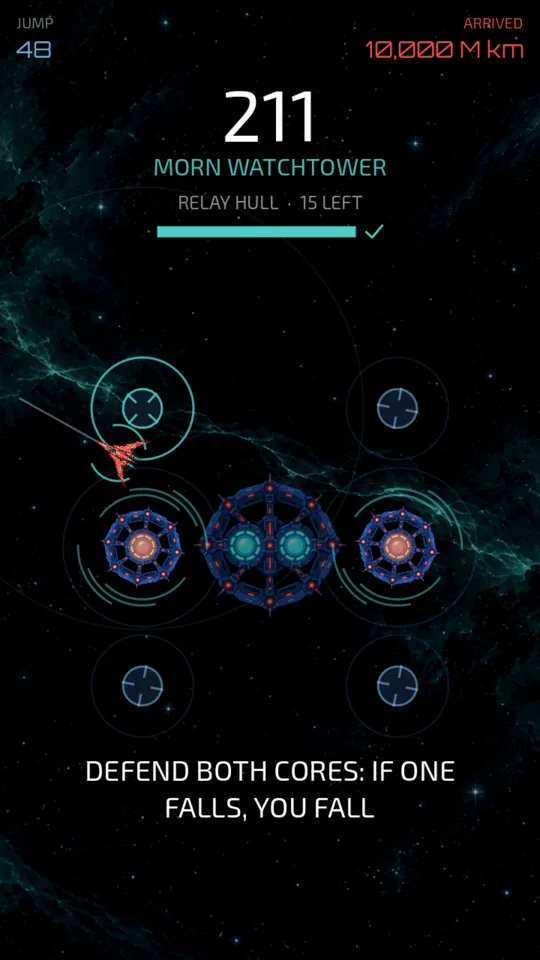
The first two are bases: you jump from turret to turret and defend the relay. Then come the warship, which aims at you; the twin cores, where if one falls you fall; the octopus ship and its lash; the heavy dreadnought and, at jump 96, the carrier, which sends drones out of whichever hangar it opens.
You never get the same stop twice in a row. And at jump 30 the current arrives, a river of rocks you dodge by tapping left or right.
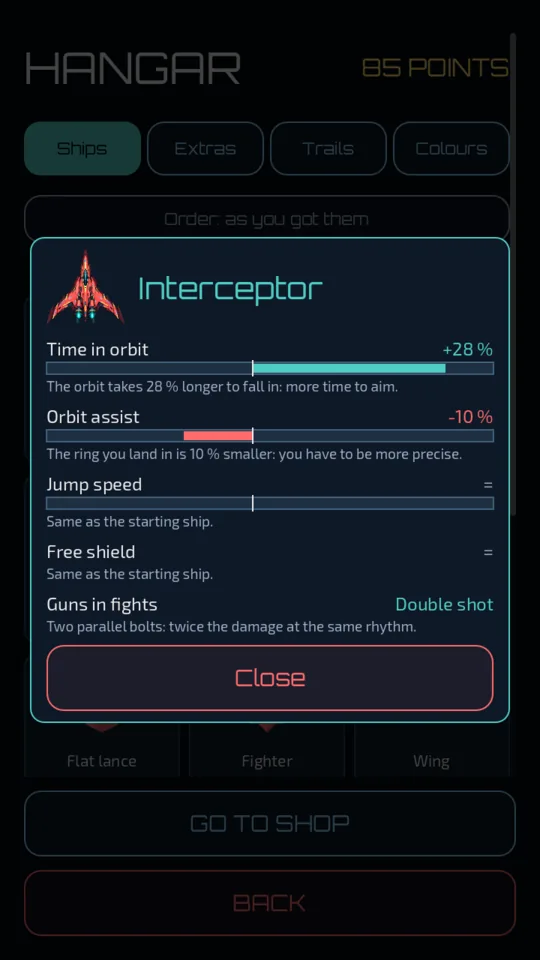
Peregrine, Mantis, Scorpion and 26 more
You earn them by playing, through the missions in the logbook. Many of them fly their own way, and every advantage costs something else: the Peregrine reaches the next planet almost at once, but you have to aim it sooner, into a smaller ring; the Scorpion starts with a shield on and flies heavy.
None is better than another at everything, and none changes how you score. A best run counts the same with the starter ship as with the last one.
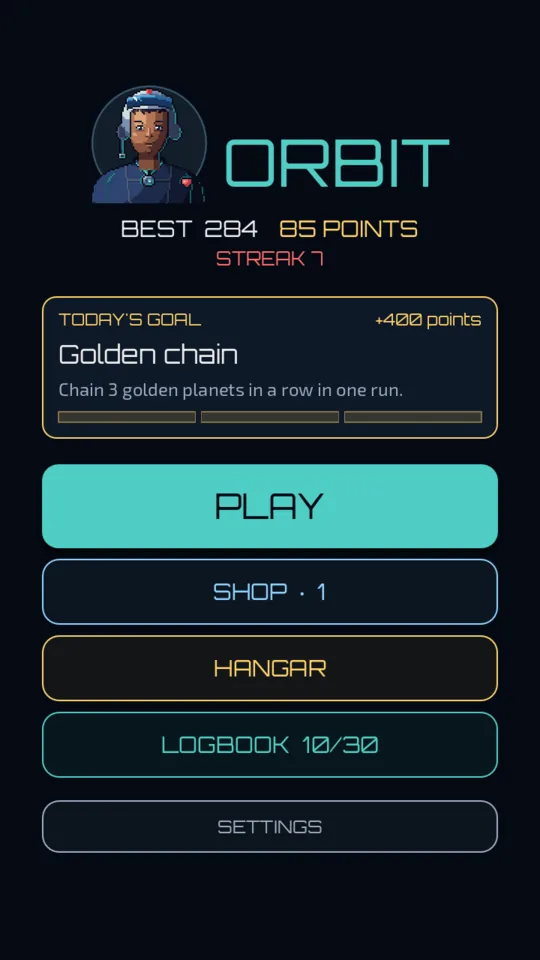
One goal a day, the same for everyone
There are 16 goals and they’re dealt like a deck of cards: none comes round again until they’ve all been played, and you never get the same one two days running.
The logbook holds the bestiary and the atlas. The bestiary has six critters you catch on the fly, and the rarest live far out: the void whale doesn’t show up before jump 60.
Still to discover
Only a few are shown here. The rest you find by playing.
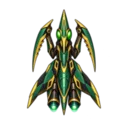
 31shipseach earned with its own mission
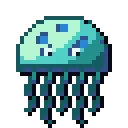
 6crittersin the bestiary

 101real placesfrom Earth to Sagittarius A*
- 16daily goalsone a day, the same for everyone


Screenshots

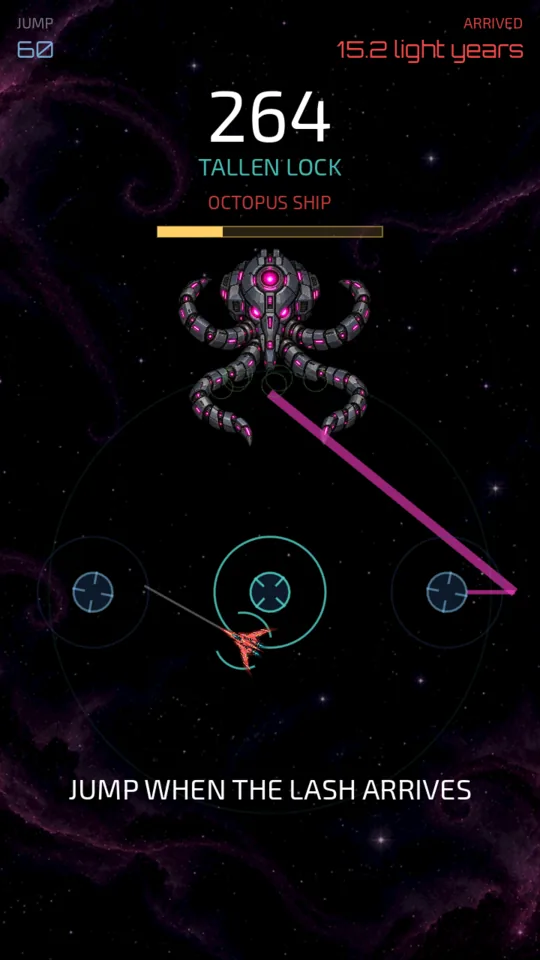
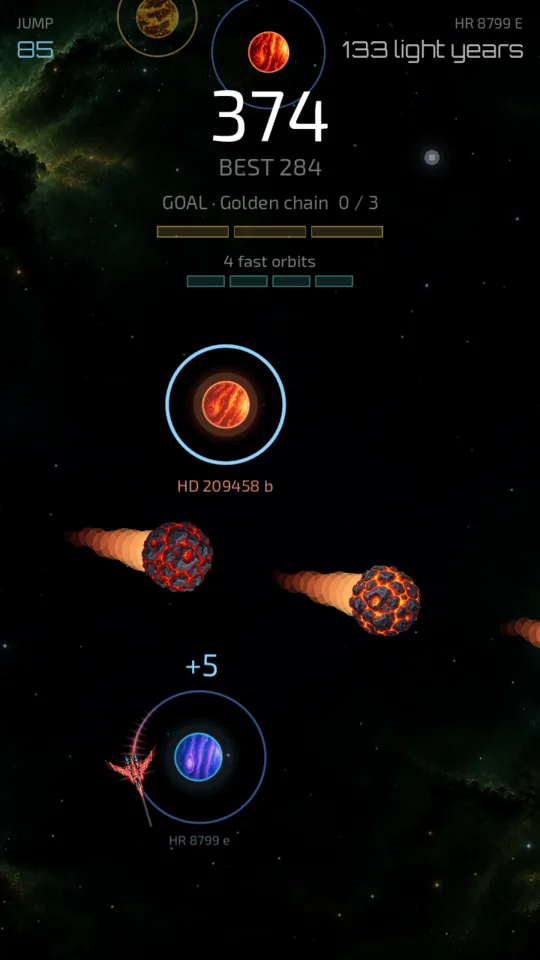
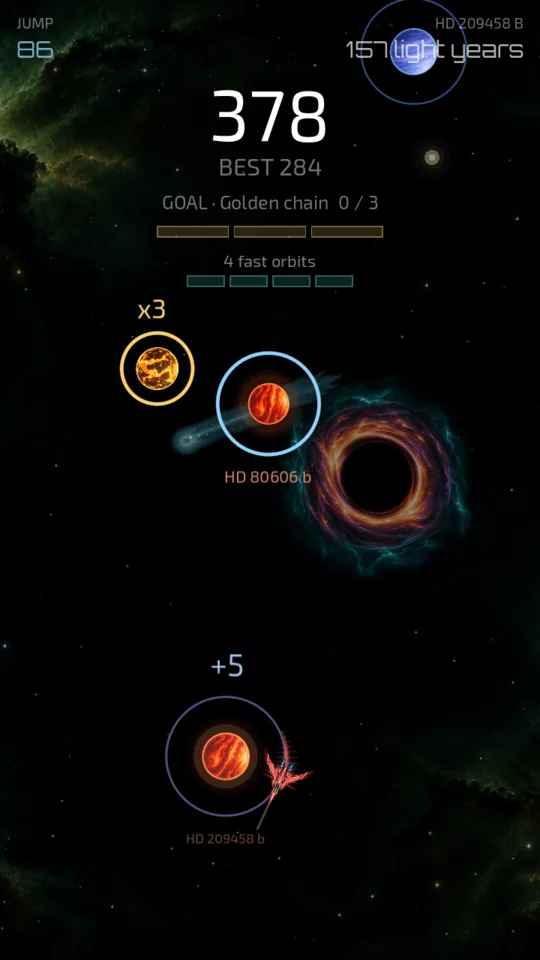
In short
- Platform
- Android. In closed testing on Google Play.
- Languages
- Spanish, English, French, Catalan, Italian and German.
- Ads and purchases
- None in the current version. Points are earned by playing.
- Internet and account
- It connects to nothing and asks for no account. Your progress stays on your phone.
- Permissions
- Only vibration, which you can turn off in Settings. The details are in the privacy policy.
Try Orbit before anyone else
Orbit is in a closed test on Google Play and I’m looking for 12 people with Android to try it.
It takes two steps, with the same Google account you use on the Play Store:
- Join the tester group. I want to try Orbit
- Sign up for the test and download Orbit. Already in the group: download
Be patient with step 2: after you sign up, Google Play can take a while to let you download it, sometimes more than an hour. If you see “Item not found”, that’s normal: wait and open the link again with the same account. Once the page says “You are a tester”, it lets you install it shortly after.
Keep it installed for at least 14 days: that’s what Google asks before it can be released to everyone. You don’t need to play every day, but opening it now and then helps.
If something breaks or doesn’t make sense, the game’s Settings have a button to send feedback, or write to me at [email protected].
Android only for now.